Make the reward about the action
Pick two classroom habits you want students to notice. Name the action when you award points so the student knows what to repeat.
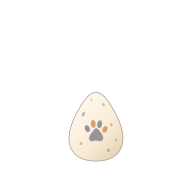
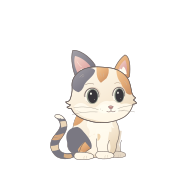
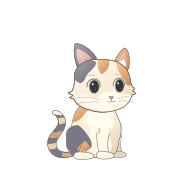
A pet starts as an egg and progresses through five stages as it earns experience. Students can sign in with their class code and personal PIN to see their own pet and visit its room.
- Recognize a helpful choice
- You explained the first step and gave your partner time to try it. That helped both of you finish.
- Recognize a second attempt
- You tried a new strategy after the first answer did not work. Show me what you changed.
Start with one classroom routine
Create a class, add your roster and introduce one habit during a regular lesson. Use the same reward reason for several days so students can connect it to their actions.
At the end of the week, ask students for one example of the habit they saw in someone else. Let them choose a new habit to practice together next week.
Use the classroom display for shared moments
Open the class display when you want the room to see an earned reward. Individual feedback and checking a student’s progress can happen in the teacher workspace.
In the practice classroom, select Luna and give a point. Her pet is ready to hatch. You can open the example display and undo the practice reward as often as you like.
Frequently asked questions
Can I try virtual classroom pets before adding my roster?
Yes. The practice classroom includes fictional students and lets you test a reward and a pet hatch.
Is there a free plan?
Yes. The ClassPaws Free plan supports one classroom with basic rewards and virtual pets. See the pricing page for the current roster limit and plan details.